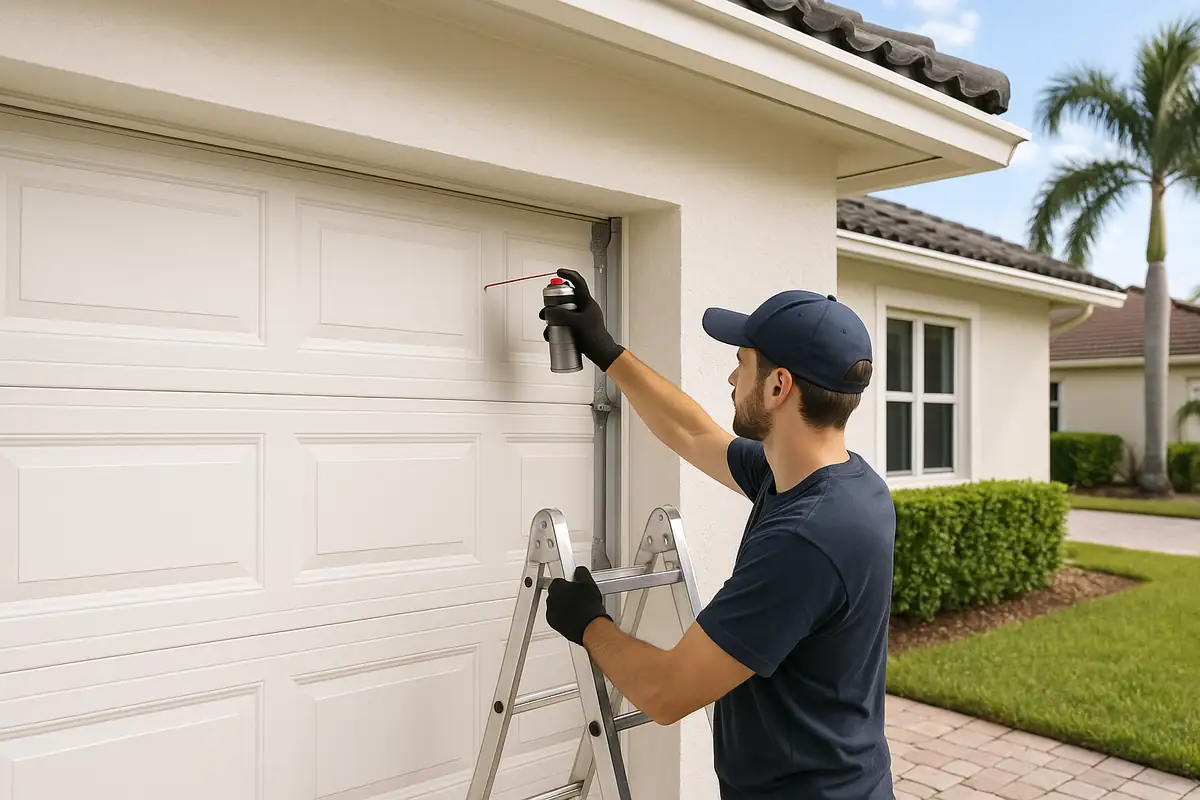
How to Program Your Garage Door Remote: A Guide by AAA Garage Door Repair Of Holyoke

How to Program Your Garage Door Remote: A Comprehensive Guide
Have you ever found yourself standing in your driveway, fumbling with your garage door remote, only to realize it’s not working? You’re not alone! Many homeowners in Holyoke, MA, encounter this issue at some point. Fortunately, programming your garage door remote is a straightforward process that can save you time and hassle. In this guide, brought to you by AAA Garage Door Repair Of Holyoke, we’ll walk you through the steps to successfully program your garage door remote, offer some troubleshooting tips, and provide insights into common issues. Let’s get started!
Understanding Your Garage Door Remote
Your garage door remote is a small but mighty device that communicates with your garage door opener to grant you access to your garage. Understanding how your remote works can make the programming process much easier. Here are some key components:
- Buttons: Most remotes have one or two buttons for opening and closing the garage door.
- Battery: Ensure the remote has a fresh battery to function correctly.
- Frequency: Remotes operate on various frequencies; it's important to know yours when programming.
Types of Garage Door Remotes
There are generally two types of garage door remotes:
- Single-Function Remotes: These open and close the garage door with one button.
- Multi-Function Remotes: These often operate multiple garage doors or gates.
Step-by-Step Guide to Programming Your Garage Door Remote
Now that you understand your remote, it’s time to dive into the programming process. Follow these steps carefully:
1. Gather Your Materials
Before you begin, make sure you have:
- Your garage door remote
- Your garage door opener
- A ladder (if necessary)
- Owner’s manual (if available)
2. Locate the Learn Button
The ‘Learn’ button is often located on the back of the garage door opener. To find it:
- Climb the ladder if necessary to reach the unit.
- Look for a button that is typically colored (yellow, red, or orange).
3. Prepare Your Remote
Next, ensure your remote is ready:
- Remove the battery cover and insert a new battery if needed.
- Locate the button you will use to program the remote.
4. Press the Learn Button
Press the ‘Learn’ button on the garage door opener:
- Press and hold the ‘Learn’ button until the indicator light turns on.
- Release the button; the light will remain on for about 30 seconds.
5. Program the Remote
Now it’s time to program your remote:
- Within the 30 seconds, press and hold the button on your remote that you wish to program.
- If successful, the garage door opener’s light will blink or click, indicating that the remote has been programmed.
6. Test Your Remote
Try using the remote to open and close your garage door:
- Stand at a safe distance and press the button.
- If the door responds, congratulations! You’ve successfully programmed your remote.
Troubleshooting Common Issues
If you encounter issues during the programming process, don’t worry! Here are some common problems and solutions:
Remote Not Responding
If your remote isn’t working even after programming:
- Check the battery; replace it if necessary.
- Ensure you pressed the correct button during the programming process.
- Confirm that you’re within range of the garage door opener.
Indicator Light Not Blinking
If the light on the garage door opener doesn’t blink when you try to program:
- Check that the opener is plugged in and receiving power.
- Inspect the wires for any damage.
- Consult your owner’s manual for reset instructions.
Maintenance Tips for Your Garage Door Remote
To avoid future issues with your garage door remote, consider these maintenance tips:
- Regularly replace batteries in the remote to ensure optimal performance.
- Keep the remote clean and free from dirt and moisture.
- Store your remote in a safe place to prevent loss or damage.
Statistics on Garage Door Security
Did you know that approximately 1 in 15 homes in the US experiences a break-in through the garage door? Properly programming your garage door remote is a crucial step in maintaining home security. Additionally, here are some facts:
- Over 70% of break-ins occur through unlocked doors and windows, including garages.
- Modern garage door openers can have enhanced security features to deter unauthorized access.
Conclusion
Programming your garage door remote doesn’t have to be a hassle. By following the simple steps outlined in this guide, you can easily regain control of your garage entry. If you find yourself facing challenges, don’t hesitate to reach out to AAA Garage Door Repair Of Holyoke. Our team is here to assist with any garage door issues you may encounter. Schedule a service today and ensure your garage door functions smoothly!
Explore More Resources
Related Articles
Service Areas
We proudly serve Holyoke , Holyoke , South Hadley Falls, Willimansett, Aldenville and more areas.
Our Services
Professional garage door repair, spring repair, opener installation and more. View all services →
Garage Door Installation: What to Expect with AAA Garage Door Repair Of Holyoke
Best Garage Door Styles for Modern Homes | AAA Garage Door Repair Of Holyoke